Base64 Images: When to Inline and When Not To

Inline a small icon or a single critical image as Base64 when saving one extra network request genuinely matters, such as a tiny logo that needs to appear the instant a page renders. Do not inline anything used on more than one page, anything reasonably large, or anything that changes often, since Base64 adds roughly a third to the file size and the browser can no longer cache it separately from the page. The overhead is fixed and predictable, not a rough guess: this guide shows the exact numbers and where the rule of thumb comes from.
What Base64 actually is
Base64 is a way of representing binary data, like an image file, as plain text, using a fixed set of 64 characters. Embedding an image this way means the image's data lives directly inside the HTML or CSS as a long text string, a data URI, rather than as a separate file the browser fetches with its own request. That is the entire appeal: one file becomes zero extra files, at the cost of the text representation being larger than the original binary.
The real overhead, with actual numbers
Base64 encoding takes every 3 bytes of binary data and represents it as 4 characters of text, which works out to almost exactly a 33 percent size increase. This is a fixed mathematical property of the encoding, not an estimate that varies by image content the way compression does.
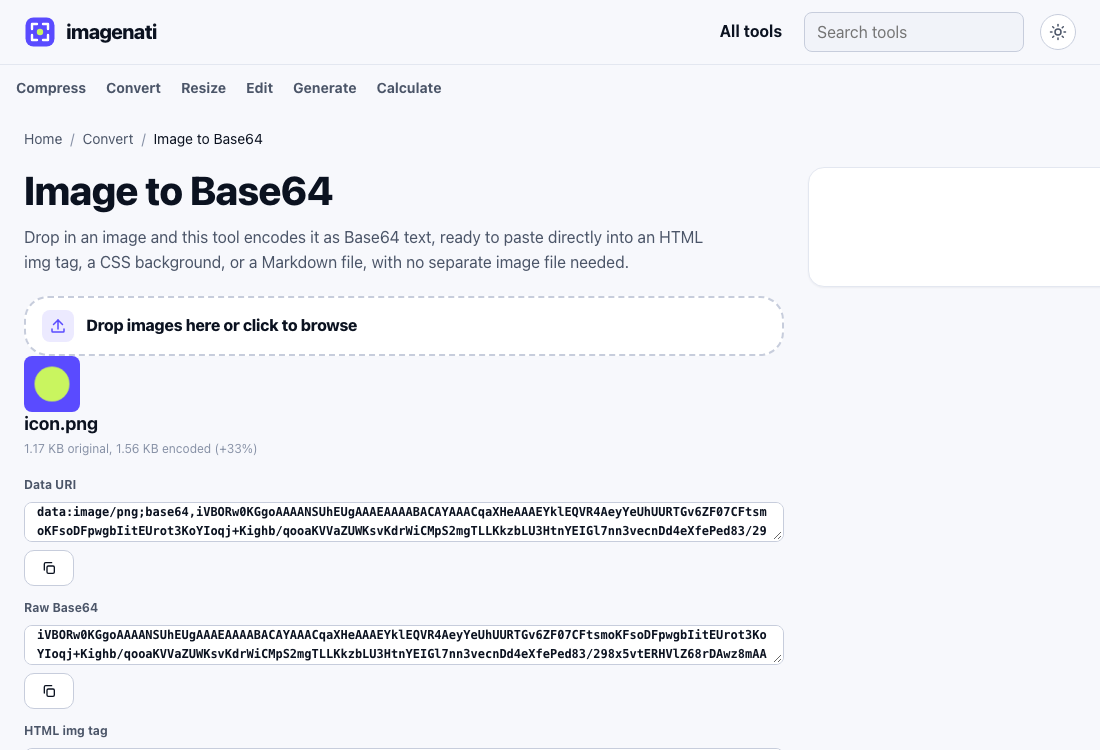
When inlining genuinely helps
- A small icon or logo, a few kilobytes at most, used once on a page that needs to render as fast as possible with nothing missing.
- An image that needs to appear correctly even if a resource fails to load, such as in an email, where external images are often blocked by default anyway.
- A tiny placeholder or loading state image, where the 33 percent overhead on a very small file is a trivial number of bytes either way.
When inlining makes things worse
An inlined image cannot be cached separately from the page it is embedded in, since it is not a separate file the browser tracks on its own; it is just text inside the HTML or CSS. That means every single page load re-downloads it as part of the page's own text, even for a visitor who has been to the site many times before and whose browser would normally have that image already cached locally from a previous visit. A normal image file, referenced by a URL, gets fetched once and reused from the browser's cache on every subsequent visit for as long as the cache allows, at no extra cost per page load.
This tradeoff gets worse the more it is repeated: inlining the same logo on every page of a site, rather than referencing it as one shared file, means the visitor's browser downloads that same logo's data over and over across every page they view, instead of once. A single inlined image on a single page is a small, reasonable tradeoff. The same pattern applied broadly across a whole site adds up to a meaningfully slower experience for no real benefit, especially for a returning visitor who would otherwise get most images for free from cache on every page after the first.
SVG icons are the strongest case for inlining
A small SVG icon is one of the few genuinely strong cases for Base64, or better, for inlining directly as raw SVG markup rather than Base64 at all, since SVG is already text and gains nothing from the encoding step. A simple icon, a checkmark, an arrow, a small logo mark, is often smaller as raw SVG than as Base64 encoded PNG or JPG of the same visual, and it stays sharp at any size since it is vector data rather than a fixed grid of pixels. This is different from inlining a photo or a complex raster image, where the 33 percent overhead applies to a much larger starting file with a real cost.
CSS background versus an img tag
The same tradeoff applies whether the Base64 string sits inside an HTML img tag's src attribute or a CSS background-image property; the encoding overhead and the loss of separate caching are identical either way. The practical difference is where it is easier to manage: a CSS file with several inlined background images can grow large and unwieldy to read, while a single inlined img tag is usually more contained. Neither location changes whether inlining was the right call for that particular image in the first place.
Where Base64 images actually come from
A Base64 image string usually shows up from one of a few sources: an API that returns image data as text rather than as a downloadable file, a database field storing an image directly inline, a design tool's exported code, or an email's embedded image source. Any of these can be decoded straight back into a normal, downloadable image file rather than staying as a block of unreadable text, which is the reverse of the encoding process and just as mechanical.
Decoding one back to a real file
A Base64 string on its own, or a full data URI with the data:image prefix, decodes back into a normal image file by reading the decoded bytes' own format signature rather than trusting a filename or a claimed type, so the result comes out correctly identified as a JPEG, PNG, WebP, GIF or BMP regardless of how the text was originally labelled. This matters because a Base64 string copied from somewhere else, a browser's developer tools, an API response, a piece of exported code, rarely comes with a reliable label attached, and guessing the format wrong would produce a file that will not open. Copying the string with extra whitespace or line breaks picked up along the way is also tolerated rather than treated as an error.
Next: How to Make a Favicon That Looks Sharp on Every Device